Can my group practice use it?+
Assign chart access by role and give administrative staff a workspace for daily operations. See team permissions
Can I sign up today?+
New registrations are paused while we prepare for launch. You can join the waitlist for updates when registration opens. Joining does not create an account, require payment, or reserve a plan, price, or place.
Can I switch from another system?+
Yes. Upload a CSV or Excel (.xlsx) client list and original PDFs or images, including supported files inside a ZIP. Review column matches, possible duplicates, and document-to-client matches before saving. Appointments, financial transactions, and portal access need separate setup. Uploads support up to 25 MB per selection and 3 MB per document. Keep your original export and any records you are required to retain.
What about insurance billing?+
The product is built first around self-pay workflows, card payments, superbills, and Good Faith Estimates. Insurance eligibility and claims tools are in development. They should not be treated as fully available.
How does AI fit into the workflow?+
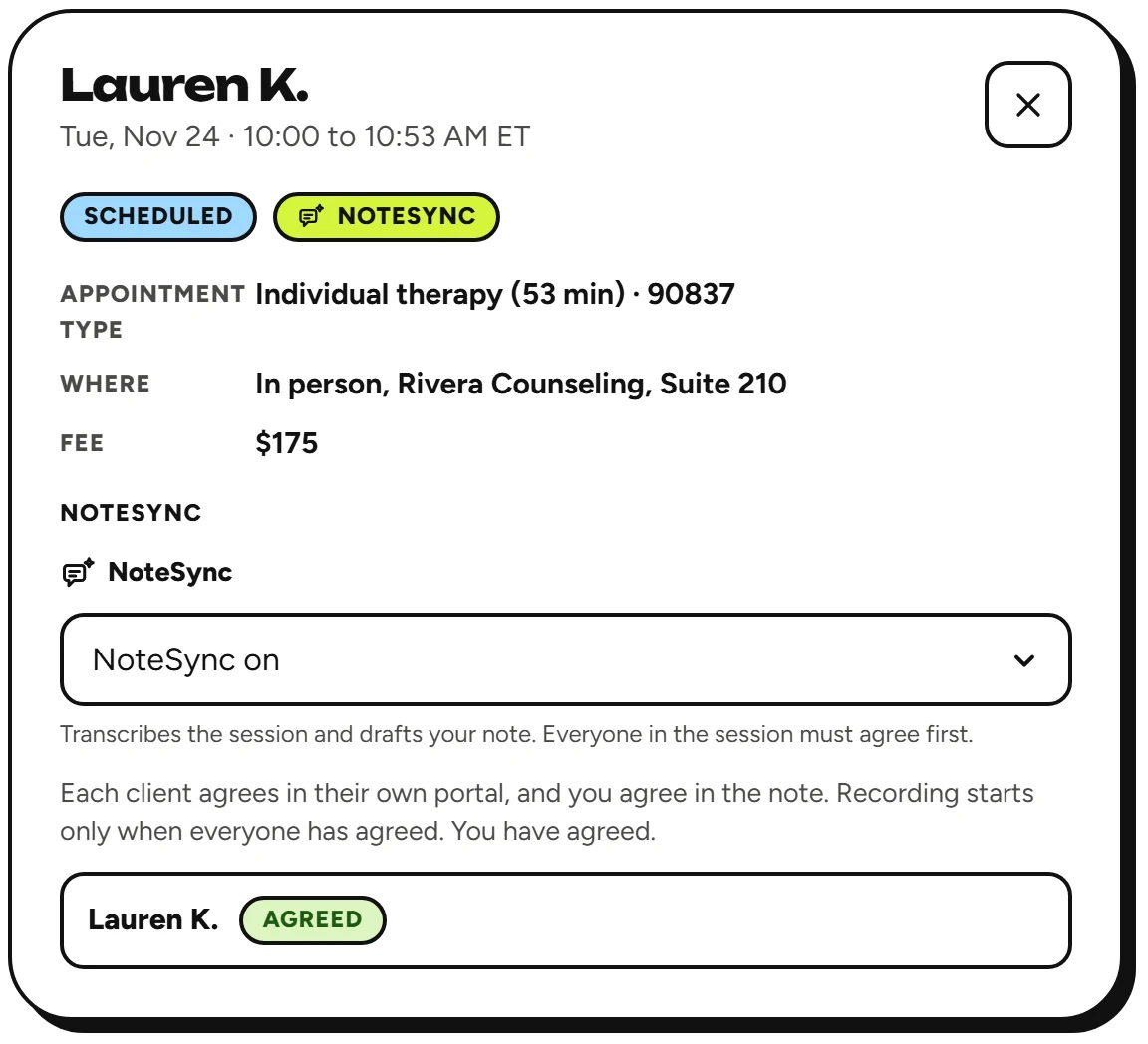
The assistant supports the clinician with drafts and summaries, including notes from typed shorthand. With NoteSync, a session that everyone agrees to record is transcribed and drafted into a progress note. In couples and group sessions, each client’s draft is about that client only, with other clients’ names replaced, and only the therapist can open the transcript. You review, edit, and sign the final note. Review the privacy and security information before using any AI workflow with client information. See how NoteSync works
How are client records protected?+
A business associate agreement is part of setup. Signed notes are locked, and addenda preserve later changes. Review privacy and security